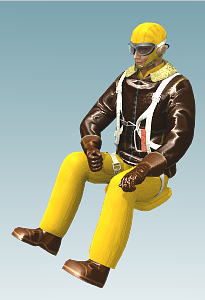
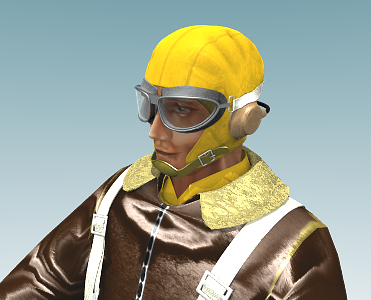
I have created a simple model of an USAAC/AVG pilot:
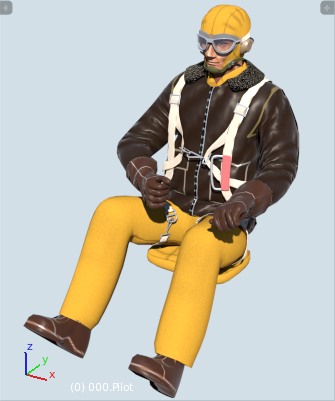
|
| Fig. 1. General view of the model |
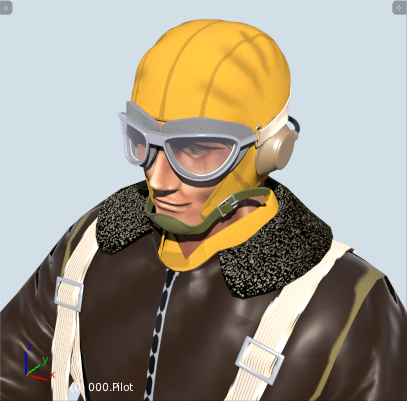
|
| Fig. 2. Upper parts have more details than the lower ones |
It is available on a free license (CC-BY). Here you can download the zipped file for current Blender version (>= 2.81).
Finally, there are also old versions for so-called Blender Internal renderer, which was used up to Blender 2.7x (Fig. 3):
Fig. 3. The old model for the Blender Internal renderer
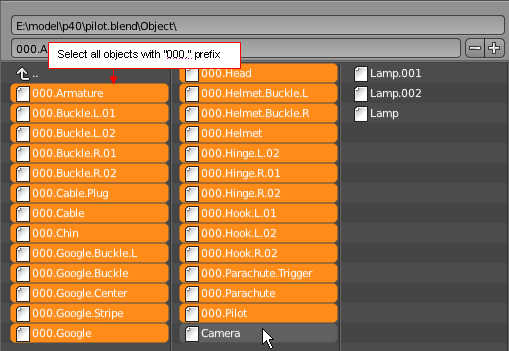
To import this figure into your model, you should use File:Append or File:Link commands. Select all objects with the „000.” prefix (Fig.4):
|
| Fig. 4. Selection of the pilots's elements during the import |
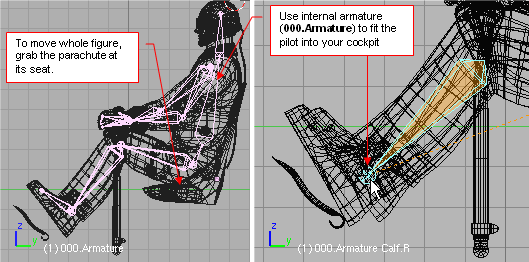
To move the model, use the parachute „pack” (it is the parent of the whole structure):
|
| Fig. 5. Posing the pilot |
It contains an armature (bones) inside. This allows you to pose the pilot to adapt him to the seat and the controls of your cockpit.
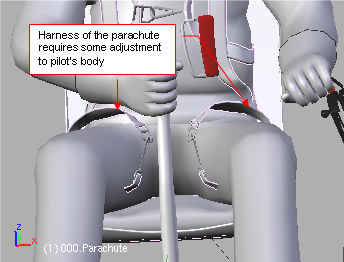
In the older version of this model (for Blender 2.49), when you change the pilot's pose the harness of his parachute requires some adjustments (Fig. 6):
|
| Fig. 6. Parachute harness differences |
In the actual version (for Blender >= 2.59) it should not occur.
The Cycles materials are set for a harsh sunlight (see the lightinig settings in the enclosed *.blend file).
If you use different light setup, you can easily adjust the intensity of materials of this model.
Just alter (in the node editor) the Value field in any instance of the group named Z.000.Color Control.
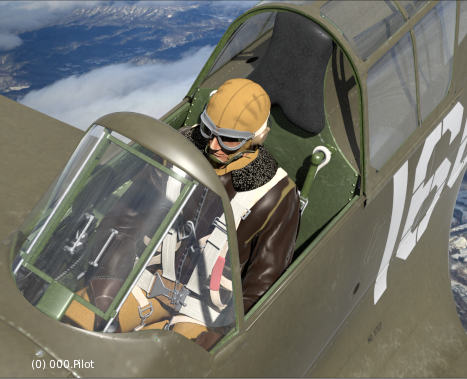
Fig. 7 shows exemplary usage of this pilot model. Note the additional seat stripes (it is the part of the airplane model).
|
| Fig. 7. The pilot, placed in an exemplary airplane model |